Docker as a factory: fixing broken GPU software without touching the OS
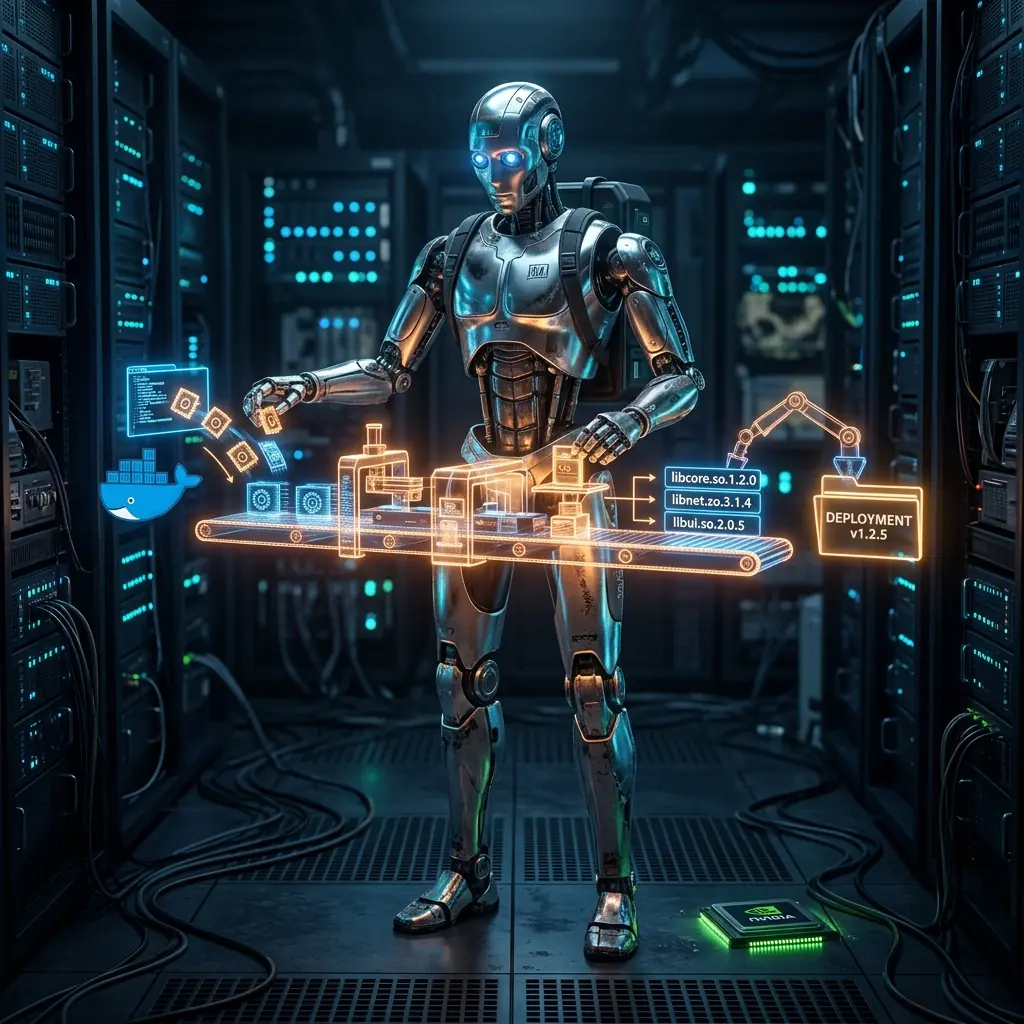
Cover: after Diego Rivera, the Detroit Industry Murals — container assembly line as socialist-modernist factory mural — workers and rectangular crates on conveyors.
January 2026 — when a friend’s astrophotography software broke and the internet said “reinstall Ubuntu”
A friend of mine called me with a problem. She had a new machine with an RTX 5060 Ti, PixInsight installed natively, and BlurXTerminator — a GPU-accelerated AI denoising plugin for astrophotography — completely broken. The plugin requires libtensorflow 2.11 and CUDA 11.8. Ubuntu 24.04 ships with newer versions. Installing the old ones manually breaks other system libraries.
Every forum thread she’d found ended with “reinstall Ubuntu 20.04” or “use the Windows version.” Neither was acceptable.
I looked at the problem for a few minutes and realised the actual issue: she needed specific shared library files placed in a specific directory (/opt/PixInsight/bin/lib/). She didn’t need old CUDA running on her system. She didn’t need to downgrade her drivers. She just needed the right library files extracted from a compatible environment.
Docker is a factory. You use it to produce outputs. The output doesn’t have to be a running container.
Understanding the actual problem
BlurXTerminator uses a TensorFlow model for its AI processing. When it initialises, it tries to dynamically load:
libcudnn_cnn_infer.so.8(cuDNN 8.x)libtensorflow.so.2.11- Several CUDA 11.8 runtime libraries
PixInsight looks for these in its own lib/ directory before the system path. If they’re there, it uses them. If they’re not, the plugin fails. The system’s newer CUDA/cuDNN libraries have incompatible ABI versions.
So the question becomes: how do you get CUDA 11.8 libraries onto a modern Ubuntu 24.04 system without installing CUDA 11.8 on Ubuntu 24.04?
You build a container with CUDA 11.8 — which NVIDIA supports perfectly well in Docker — and you extract the files from it.
The Dockerfile
FROM nvidia/cuda:11.8.0-cudnn8-devel-ubuntu20.04

# Install TensorFlow 2.11 compatible with CUDA 11.8
RUN pip3 install tensorflow==2.11.0

# The libraries we need are now in:
# /usr/local/cuda-11.8/lib64/
# /usr/lib/x86_64-linux-gnu/libcudnn*
# Python's tensorflow package: /usr/local/lib/python3.x/dist-packages/tensorflow/
That’s it. The container doesn’t run any services. It’s a compatibility environment built specifically to hold the right library versions. Pure utility.
The install script
#!/bin/bash
# install_libs.sh — extract CUDA 11.8 libs from container, install to PixInsight

set -e

PIXINSIGHT_LIB="/opt/PixInsight/bin/lib"
CONTAINER_NAME="cuda-factory-$(date +%s)"

echo "[1/4] Building CUDA 11.8 compatibility container..."
docker build -t cuda-factory:11.8 .

echo "[2/4] Starting container..."
docker create --name $CONTAINER_NAME cuda-factory:11.8

echo "[3/4] Extracting libraries..."
# CUDA runtime libraries
docker cp $CONTAINER_NAME:/usr/local/cuda-11.8/lib64/libcudart.so.11.0 $PIXINSIGHT_LIB/
docker cp $CONTAINER_NAME:/usr/local/cuda-11.8/lib64/libcublas.so.11 $PIXINSIGHT_LIB/

# cuDNN (the large one — must be >400MB to be correct)
docker cp $CONTAINER_NAME:/usr/lib/x86_64-linux-gnu/libcudnn_cnn_infer.so.8 $PIXINSIGHT_LIB/
docker cp $CONTAINER_NAME:/usr/lib/x86_64-linux-gnu/libcudnn.so.8 $PIXINSIGHT_LIB/

# TensorFlow
TF_PATH=$(docker exec $CONTAINER_NAME python3 -c \
  "import tensorflow as tf; print(tf.__file__.replace('__init__.py', ''))")
docker cp $CONTAINER_NAME:${TF_PATH}libtensorflow.so.2 $PIXINSIGHT_LIB/

echo "[4/4] Cleaning up container..."
docker rm $CONTAINER_NAME

echo "Done. Restart PixInsight and open BlurXTerminator."
Run it once with sudo ./install_libs.sh. The factory builds, produces the parts, shuts down. The parts are now in the right place.
The verification step
After installation, before declaring victory, verify the key libraries are present and the right size:
ls -lh /opt/PixInsight/bin/lib/libcudnn_cnn_infer.so.8
# Should be > 400MB — if it's small, you got the wrong file

ls -lh /opt/PixInsight/bin/lib/libtensorflow.so.2
# Should be > 500MB

# Check that PixInsight can find the NVIDIA driver
nvidia-smi
# NVIDIA-SMI 545.xx    Driver Version: 545.xx    CUDA Version: 12.x
The system’s CUDA version doesn’t matter for this. PixInsight finds its own libraries in its own lib/ directory. The NVIDIA driver is what enables GPU access; the library versions are what the software uses once it has that access.
After fixing it
BlurXTerminator opened, detected the GPU, and ran successfully. The RTX 5060 Ti processed a test image in about 3 seconds. Before the fix, it would crash immediately on initialisation.
If PixInsight updates and BlurXTerminator breaks again — common when the plugin is updated between PixInsight versions — the fix is to run install_libs.sh again. The factory rebuilds if needed (Docker layer caching means it’s fast on subsequent runs), extracts fresh libraries, done.
The broader pattern
This approach works for any situation where you need files produced by a specific software environment, without wanting that environment running permanently on your machine.
Other applications of the same pattern:
- Extracting pre-compiled binaries from an old Linux distribution because the build toolchain doesn’t exist on your current OS
- Getting a specific version of a library that your package manager no longer provides
- Building artifacts with a pinned toolchain version without installing that toolchain globally
Docker is usually presented as “containerise your application.” That’s its most common use. But it’s fundamentally a controlled execution environment — you can use it to produce outputs (files, binaries, configs) that you then use elsewhere, then discard the container entirely.
The factory metaphor is exact: you use the factory to make parts, not to drive the car.
What I didn’t do
I didn’t install CUDA 11.8 on the system. I didn’t change the NVIDIA driver. I didn’t downgrade Ubuntu. I didn’t create a dual-boot setup. The system is unchanged. PixInsight has its libraries where it looks for them. The Docker container that produced them doesn’t even exist anymore.
The right question when software breaks due to incompatible dependencies isn’t “how do I make my OS compatible?” It’s “where does the software look for its files, and how do I get the right files there?” Those are different problems with very different solutions.